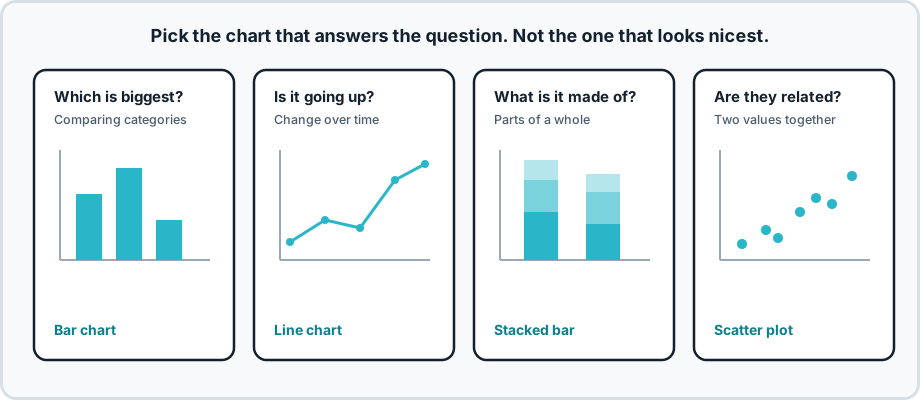


Description
When it comes to visualizing data in our application or website, the most important aspect is UX, which makes our charts readable and the user journey through data seamless and intuitive. A well-designed dashboard does not only present numbers but tells a story, guiding the viewer through the data to insightful conclusions and outcomes. Here are a couple of points to keep in mind which you probably already know:
-
Clarity: Ensure that each chart shows a clear message. Avoid overcomplicating visuals with excessive detail that can overwhelm the user.
-
Consistency: Maintain a consistent design throughout the dashboard with similar color schemes, typography, and visual hierarchy to aid in quick understanding.
-
Context: Provide context for your data. Tooltips, legends, and annotations can help users understand the full picture without having to guess what they're looking at.
-
Comparability: Structure your data visualizations to enable easy comparison between different datasets, allowing users to spot trends and patterns.
-
Accessibility: Design with accessibility in mind to ensure that users with disabilities can also interpret and navigate your dashboard effectively.
-
Responsiveness: Your dashboard should be fully functional and visually coherent on a variety of devices and screen sizes.
There is also Interactivity which Incorporates interactive elements such as filters, sliders, and drill-downs to allow users to explore the data in depth on their terms but that depends on the data as well.
In the example there is a brief from a customer try to play around with the design and create something cool with it, There are also commutinty templates in figma that are available for free but it is recommented to create your own charts. Good Luck!